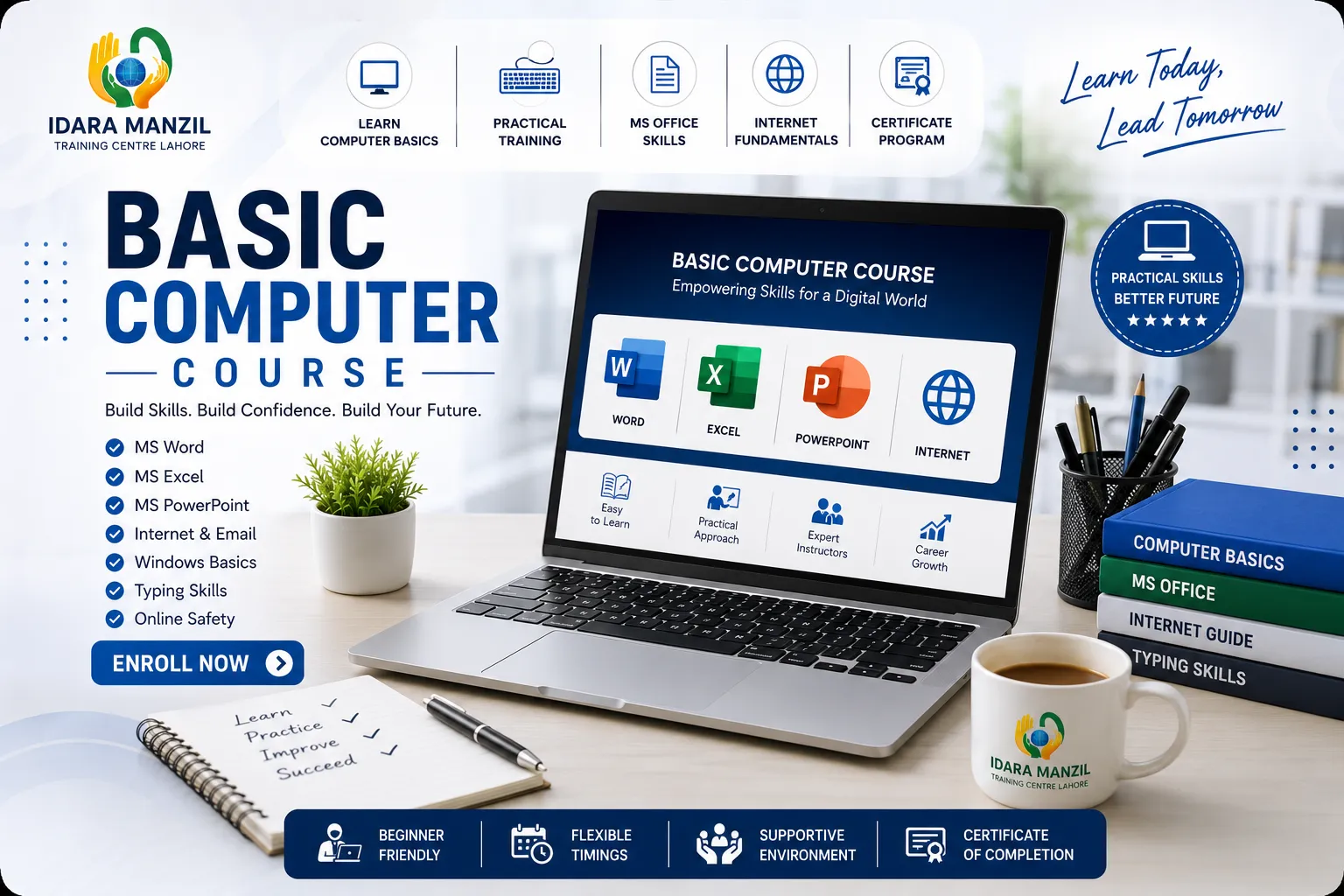
The Basic Computer Course at Idara Manzil Training Centre Lahore is a practical training program designed for beginners who want to develop essential computer skills for education, office work, and everyday use.
This course covers keyboard typing, Microsoft Windows, DOS, Microsoft Word, Microsoft Excel, Microsoft PowerPoint, and Internet & Email. Students will gain practical experience through hands-on exercises and real-world computer tasks.
By the end of the course, learners will be able to confidently operate a computer, create professional documents, prepare spreadsheets, design presentations, browse the internet, and manage email communication.

Learn the standard keyboard layout, identify different key groups, and understand the functions of each key for efficient computer typing.
Learn correct finger placement on the keyboard and practice proper typing posture to improve typing speed and accuracy.
Practice typing exercises using typing software to improve typing speed, accuracy and keyboard familiarity.
Install Windows Operating System
Learn how to install Microsoft Office and verify that Word, Excel and PowerPoint are ready for use.
Learn how to personalize the Windows desktop, manage icons, wallpapers and display settings.
Learn how to create, organize, rename, move, copy and delete files and folders in Windows.
Learn how to use the Windows Control Panel to install, uninstall and manage software applications.
Learn how to open and use the DOS Command Line Interface (CLI) and understand its role in managing computer files and system operations.
Learn how to display files and folders using DOS commands.
Learn how to create new directories using DOS commands.
Learn how to remove unwanted files safely using DOS commands.
Learn how to rename files and folders using DOS commands.
Learn how to move and copy files between directories using DOS commands.
Learn how to remove directories safely using DOS commands.
Learn the commonly used internal DOS commands for basic file and system management.
Learn the purpose and usage of common DOS external commands used for advanced file and disk management.
Learn how to use Microsoft Word templates to quickly create professional documents with predefined layouts and formatting.
Learn how to create a new Microsoft Word document and save it correctly.
Learn how to type, edit and modify text efficiently in Microsoft Word.
Learn how to insert and remove text and blank lines while maintaining proper document formatting.
Learn how to identify and correct spelling and grammar mistakes using Microsoft Word tools.
Learn how to cut, copy and paste text efficiently using Microsoft Word.
Learn how to change font type, size and text style to create clear, attractive and professional Microsoft Word documents.
Learn how to align paragraphs correctly and improve the readability and presentation of Word documents.
Learn how to create, edit and format tables for organizing information professionally in Microsoft Word.
Learn how to insert, resize and position pictures in Microsoft Word documents.
Learn how to change page orientation between Portrait and Landscape according to document requirements.
Learn how to preview and print Microsoft Word documents using the correct print settings.
Learn how to use Microsoft Excel templates to quickly create professional spreadsheets with predefined layouts and formatting.
Learn how to create, save and manage new worksheets in Microsoft Excel.
Learn how to enter, edit and organize data accurately within Excel worksheets.
Learn how to adjust column widths to improve worksheet readability and presentation.
Learn how to copy, paste and duplicate cell contents using Microsoft Excel tools.
Learn how to use Microsoft PowerPoint templates to create professional presentations quickly with ready-made designs and layouts.
Learn how to open, edit and manage PowerPoint presentations efficiently.
Learn how to copy, duplicate and rearrange slides within a PowerPoint presentation.
Learn how to format presentation text using different fonts, sizes, colors and styles.
Learn how to insert clip art and graphics to improve presentation design.
Learn how to insert SmartArt, pictures and tables to present information visually and create professional presentation slides.
Learn how to apply and modify slide layouts for creating well-structured and professional presentations.
Learn how to apply presentation themes and slide designs to maintain a professional and consistent appearance.
Learn how to apply slide transition effects to create smooth movement between presentation slides.
Learn how to animate text, pictures and objects to create engaging PowerPoint presentations.
Learn how to animate text, pictures and objects to create engaging PowerPoint presentations.
Learn how to present a slideshow, use presenter controls, preview slides and print presentations professionally.
Learn how to open websites using a web browser and understand the basic functions of internet browsing.
Learn how to search information on the internet using search engines and find relevant websites efficiently.
Learn how to create a new email account by completing the registration process.
Learn how to securely sign in to an email account and access email services.
Learn how to access the email inbox, read messages and organize incoming emails.
Learn how to compose, format and send professional emails using an email service.
Learn how to attach documents, images and other files to an email before sending.
Learn how to download and save email attachments safely to a computer.